Put an interactive link in your school system
Add an interactive to any school system as a plain link: Google Classroom, Canvas, Schoology, Moodle, or your own page.
- In the studio, open Gradebook.
- Choose the class.
- Under A link to one interactive, pick the interactive.
- Press Copy link.
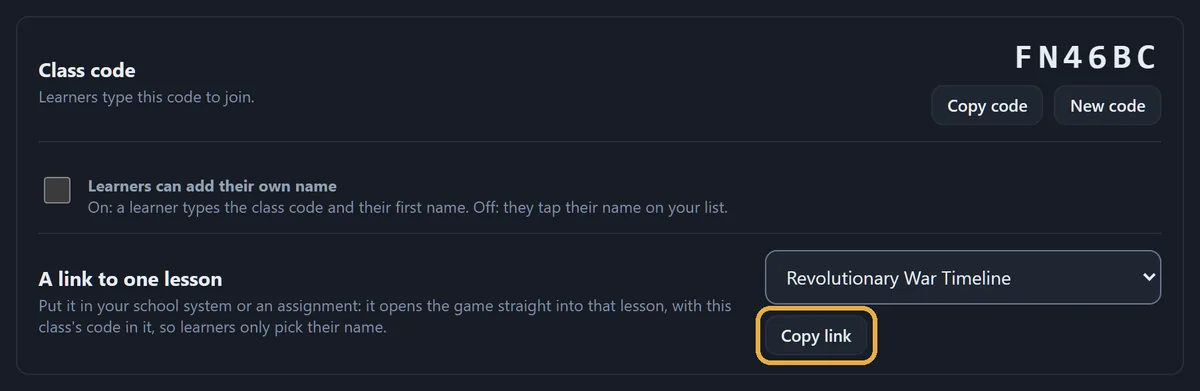
- Paste it as a link or an assignment.
Learners open it, pick their name and play. Their results come into your gradebook. The link carries the class's code, so nobody types it.
If the interactive looks too small inside your school system's page, set the link to open in a new tab.
Using Google Classroom? Press Share to Google Classroom beside Copy link. The guide Share our interactives to Google Classroom shows each step.