Start a class in five minutes
Get your class playing.
- Open the studio and sign in. If we set up your school, first set your password from our welcome email. A new school chooses Set up your school, with the sign-up code we sent.
- Make a class.
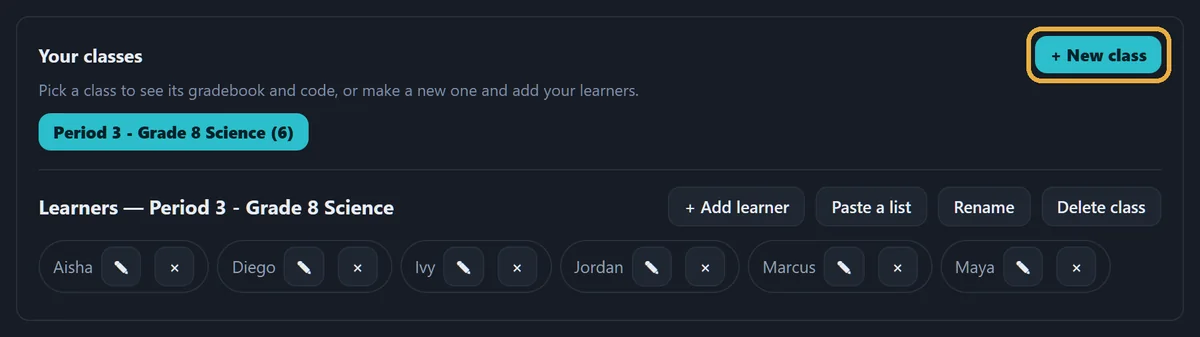
- Add your learners: type them in or paste a list. A first name, initials or a nickname is enough. Connected to a school system? Your learners then come from it, and the studio takes no typed names.
- In the Interactives tab, build an interactive or add a ready-made one.
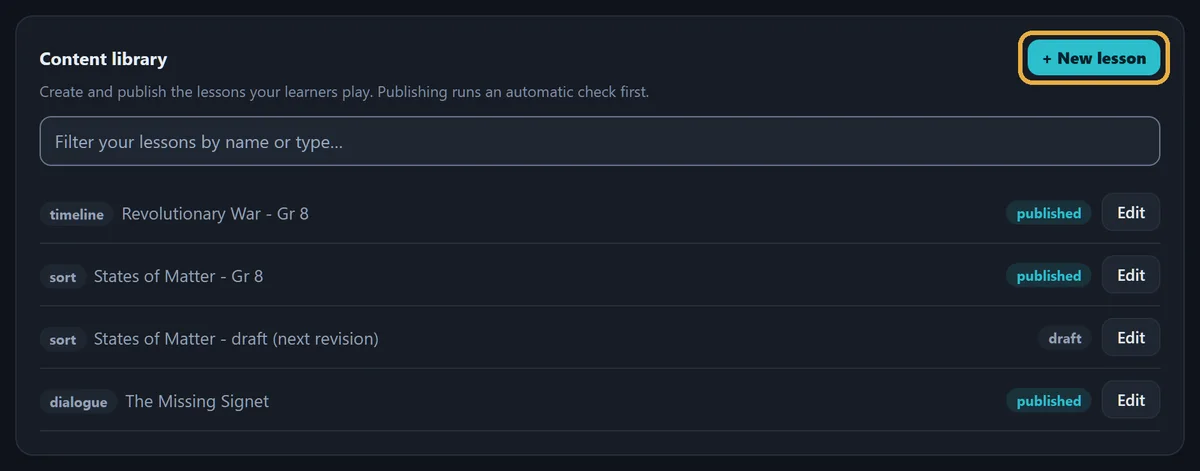
- Publish it.
- Share the class code.

In the game, learners type their name, then the class code, then tap their name on your class list. Learners can also start from this site's front door, which checks the code and opens your school's game.
A new code ends the old one at once. Learners can play without joining, but nothing reaches your gradebook.