Add your teachers
Give each teacher a sign-in.
- Sign in as the owner.
- Open the Teachers tab.
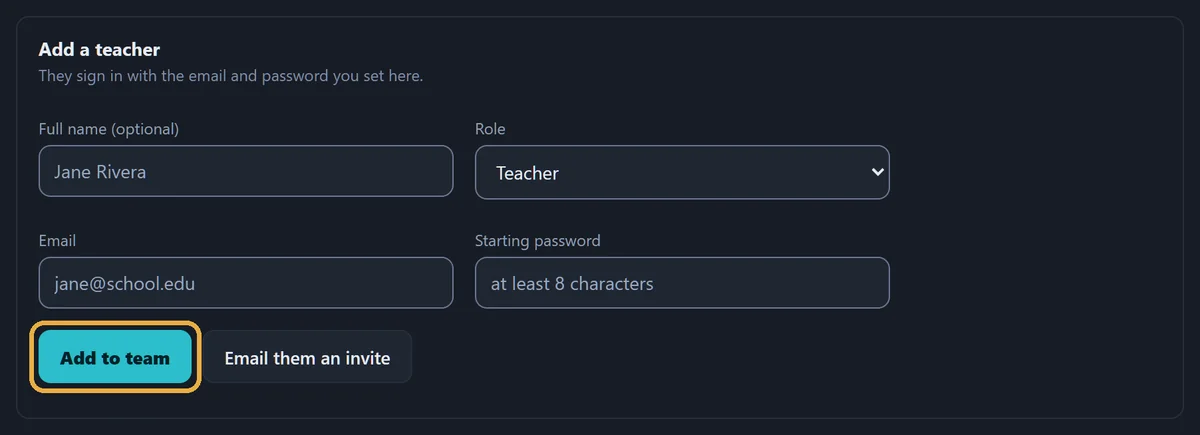
- Under Add a teacher, fill in Email and a Starting password.
- Choose a Role.
- Press Add to team.
- Give them the password yourself. It works once.
Someone forgot theirs? The owner chooses Reset password beside their name.