Add one interactive to a page
Show an interactive on one of your pages with one frame.
- Open your interactive page for editing.
- Add this frame, with the address of your folder's
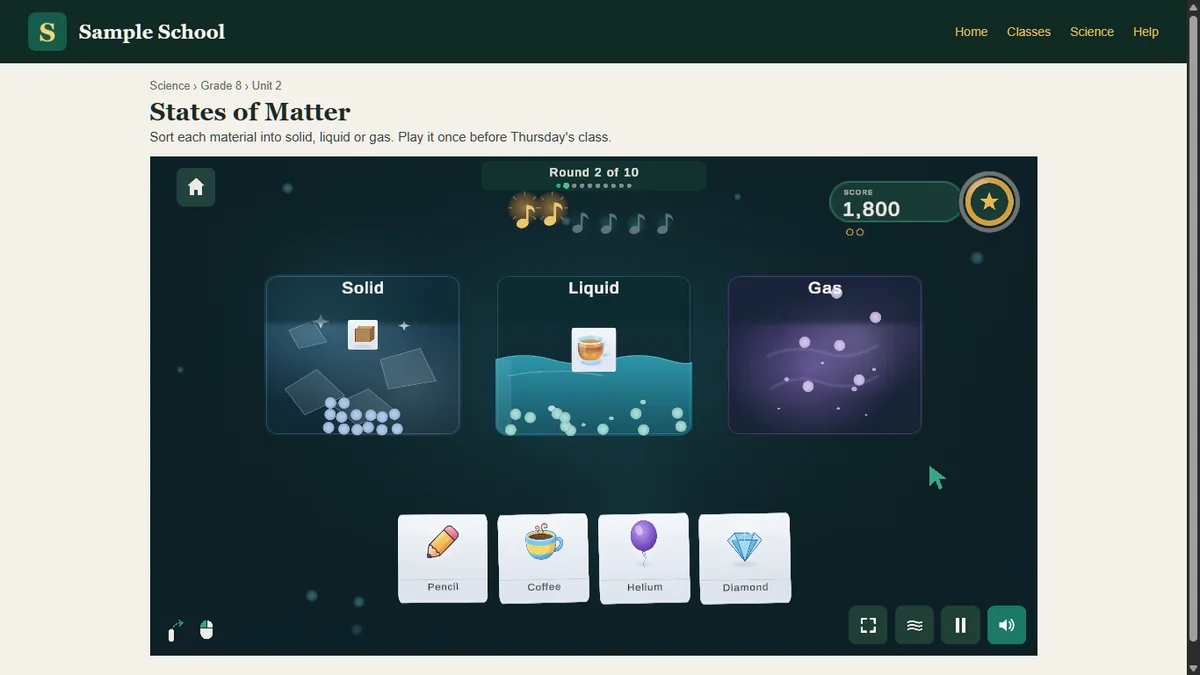
index.htmland the interactive's name intitle: <iframe src="https://games.school.example/rls/states-of-matter-1.6/index.html" title="States of Matter" allow="fullscreen; autoplay" style="width:100%;aspect-ratio:16/9;border:0"></iframe> - Save the page.
- Open the page as a learner would, and play the interactive once.
Make your frame
Your server's address, then the folder, then index.html.
Screen readers read it out.
Check on your server
- How you add a frame depends on your site or school system. Some editors remove frames unless an admin allows them.
- If the game and the interactive page are on different sites, the game's server must not send its files with the header
X-Frame-Options: DENY.
One folder is one interactive. For each other interactive, repeat the download, folder and check steps, then add its own frame.
Your website builder, one by one
Every builder below can show the interactive. Results reach you only if you can add your own script to the same page. If the builder puts the frame inside a frame of its own, or allows no script, the interactive plays and learners see their score, but your page never receives it.
| Builder | Where the frame goes | Results reach your page? | Watch for |
|---|---|---|---|
| WordPress | Add a Custom HTML block, choose Edit HTML, paste, Update. | Yes, with a listener in the same block | Only Administrators and Editors can save a frame; on a network of sites, only the Super Admin. Others' frames are removed on save without a warning. WordPress's page |
| WordPress.com | The same Custom HTML block. | Yes, on a paid plan | Frames need a paid plan with hosting features turned on. WordPress.com's page |
| Squarespace | Add block, Code, mode HTML, paste. | Likely, with a listener in the same block | Needs the Core, Plus or Advanced plan. Code blocks do not run while you are signed in: check the page signed out. Squarespace's page |
| Google Sites | Insert, Embed, Embed code, paste, Insert, then Publish. | No | Google puts the frame inside a frame of its own, and a Sites page takes no script. Google's page |
| SharePoint | Edit the page, add the Embed web part, paste into Website address or embed code. | No | A site collection admin must first allow your game's address under HTML Field Security. No script is allowed. Microsoft's page |
| Wix | Add Elements, Embed Code, Embed a site, paste the folder's address. | No | Wix shows embeds inside a frame of its own. Wix's page |
| Finalsite | Turn on Compose, Add Element, Embed, paste in its settings. | Ask Finalsite | Its rules for scripts are not in its public help. Finalsite's page |
| Edlio | In a content block, open the source code window, paste, Save. | No | That window does not accept script. Edlio's page |
| Canvas, Schoology, Moodle pages | The page editor's HTML view. | No, use our guide | For grades in those gradebooks, add our interactives the school-system way instead: Canvas, Schoology, Moodle. |
| Google Classroom | No frames: add a Link to your interactive page instead. | From your interactive page | Link to the page that holds the frame, not to the folder. Google's page |
Menus change: if yours looks different, trust the builder's help page, linked in each row.
Next: How results come back